2026 B-Roll Examples: 10 Essential Tips
10 b-roll examples that boost watch time by 40%. See cinematic shots for real estate, e-commerce & SaaS. Shot lists & camera settings included →
In today's visually-driven landscape, simply showing the main subject isn't enough. The secret to professional, engaging video content lies in the supporting footage—the B-roll. It’s the visual storytelling layer that adds context, emotion, and cinematic flair, turning a simple video into a compelling narrative. For brands in interior design, real estate, and e-commerce, high-quality B-roll is what separates a generic product showcase from a captivating brand experience.
Without a strong B-roll strategy, videos feel static, uninspired, and fail to hold audience attention. A great main shot of a product is important, but the supplementary clips are what build the world around it, highlight its best features, and convince a viewer to take action. This guide is designed to solve that exact problem.
We're breaking down 10 essential b roll examples, moving beyond basic definitions to provide deep strategic analysis. For each shot type, you will get:
-
A detailed breakdown of why it's effective.
-
Actionable shot lists tailored for specific industries.
-
Practical tips on ideal clip length, format, and editing.
You’ll learn not just what to shoot but how to think strategically about every clip. Furthermore, we’ll demonstrate how to recreate these powerful sequences using Proom AI’s specialized templates, helping you instantly transform still photos into the dynamic, high-quality B-roll needed to elevate your video marketing and streamline your entire production workflow. Let's dive into the examples that will make your content unforgettable.
1. Establishing Shot / Wide Shot
An establishing shot, often a wide shot, is a foundational piece of B-roll that sets the scene and provides immediate context for the viewer. It answers the crucial "where are we?" question before the main action unfolds. This type of shot is essential for orienting the audience, whether it's showing the exterior of an office before an interview or a sprawling cityscape to introduce a corporate headquarters.
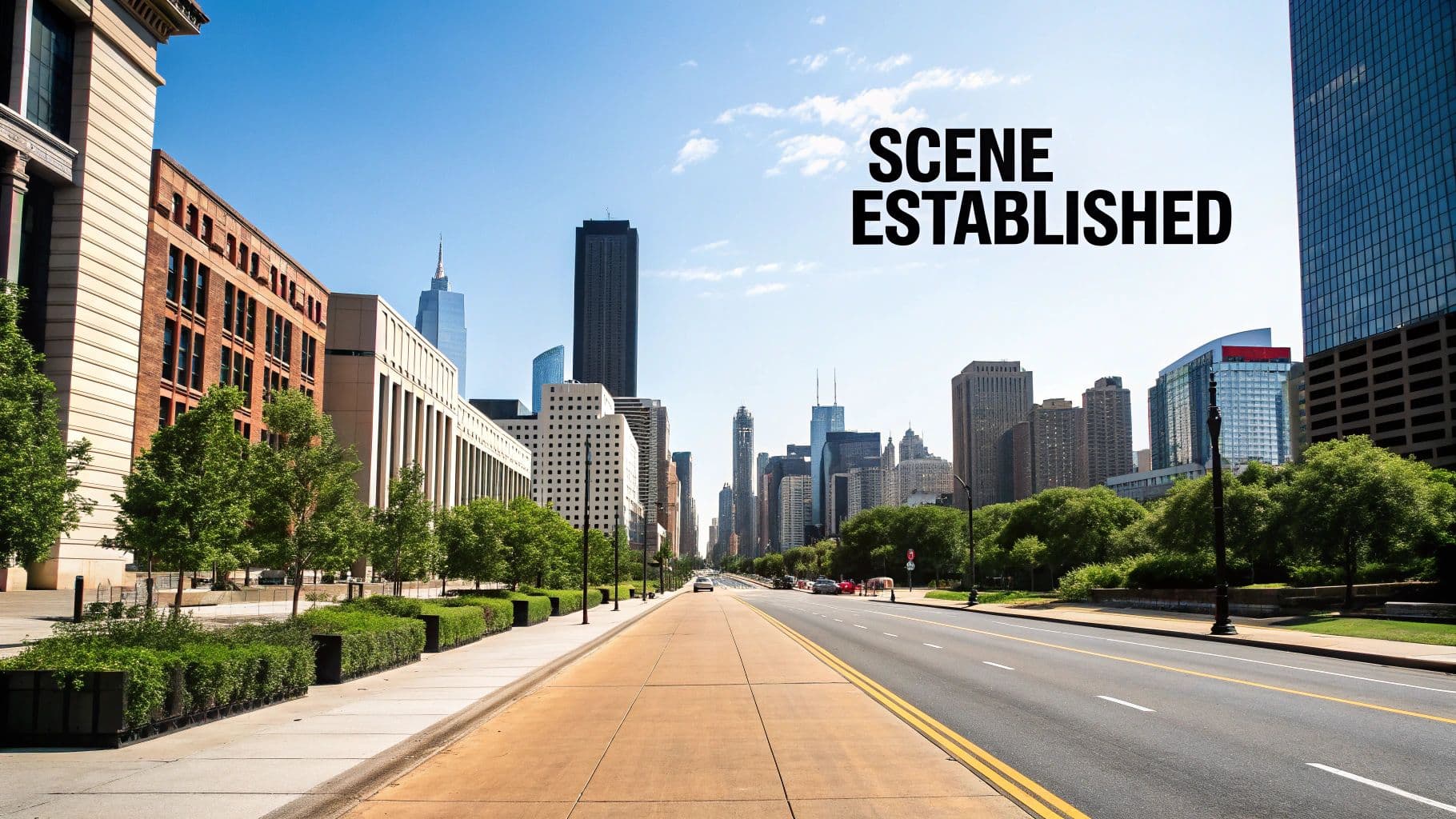
This shot instantly grounds the narrative, making subsequent close-ups and medium shots feel connected to a specific, tangible environment. For e-commerce brands, this could be a wide shot of a beautifully staged room before focusing on a single product within it.
Strategic Breakdown & Shot List
Establishing shots are more than just pretty scenery; they are a strategic tool for storytelling. They build anticipation and can convey a specific mood, such as the hustle of a city or the tranquility of a suburban home.
Key Takeaway: Use an establishing shot to make your brand or subject feel larger and more significant. An aerial shot of a warehouse, for example, communicates scale and operational capacity far better than words alone.
Suggested Shot List:
-
Aerial Drone Shot: A sweeping view of a building, city, or landscape. This is one of the most popular b roll examples for conveying a premium, high-level feel.
-
Static Wide Shot: A tripod-mounted shot of a storefront, office exterior, or interior space.
-
Slow Pan/Tilt: A gentle camera movement across a location to reveal its scope.
-
Golden Hour Exterior: Capturing the building or location during the soft, warm light of sunrise or sunset to create a cinematic and inviting mood.
Editing & Adaptation
For maximum impact, keep these clips concise, typically between 3-7 seconds. They work best at the very beginning of a video or as a transition between different segments. When editing, pair the visual with ambient sound from the location to enhance immersion.
You can easily adapt this concept for social ads or product videos with AI. Using a Proom AI template, you can generate a stylized, animated wide shot of a virtual storefront or an idealized interior space that matches your brand’s aesthetic, providing a professional establishing shot without the need for an on-location shoot.
2. Pan Shot
A pan shot involves moving the camera horizontally, either left to right or right to left, while its base remains fixed. This technique is a storytelling staple that guides the viewer's eye across a scene, revealing information sequentially or connecting different elements within a single, fluid motion. It’s perfect for showcasing the breadth of a product line on a shelf or exploring the layout of an architectural space.
This movement creates a sense of discovery and dynamism, making it far more engaging than a static shot. For corporate videos, panning across a busy, collaborative office space can convey a culture of energy and productivity without saying a word.
Strategic Breakdown & Shot List
A well-executed pan shot isn't just about moving the camera; it's a deliberate reveal. It can be used to follow a moving subject, link two subjects in a frame, or slowly unveil a landscape. The key is to ensure the movement has a clear start and end point that serves the narrative.
Key Takeaway: Use a pan shot to build anticipation or show a cause-and-effect relationship. Panning from a person’s face to what they are looking at is a classic technique that directly involves the audience in the character’s perspective.
Suggested Shot List:
-
Product Lineup Pan: A slow, smooth pan across a range of products, allowing the viewer to appreciate each one.
-
Landscape Reveal: Starting on a detail, then panning across to reveal a stunning vista or cityscape. This is a powerful type of b roll examples for travel or real estate.
-
Following a Subject: Panning to keep a walking or moving person in the frame, adding a sense of action.
-
Workspace Sweep: A pan across an office, workshop, or studio to showcase the environment and its activity.
Editing & Adaptation
For seamless integration, clips should be smooth and last between 4-8 seconds to give the movement time to feel natural. Start the pan before the intended "action" and continue it slightly after, giving you clean handles for editing. When cutting, match the pan's direction with the next shot's movement to create a fluid transition known as a "whip pan" or match cut.
You can generate dynamic panning shots without a camera crew using AI. Proom AI templates can create a video that pans across a virtual showroom displaying your digital products or sweeps across a stylized 3D environment that reflects your brand’s identity, delivering a high-production-value shot in seconds.
3. Tilt Shot
A tilt shot involves a vertical camera movement where the camera pivots up or down from a stationary position. This technique is powerfully effective for revealing information, emphasizing height, or creating a sense of scale and grandeur. It draws the viewer's eye along a vertical plane, making it ideal for showcasing subjects like tall buildings, full-body product views, or dramatic landscape features.
This type of shot guides the audience's discovery process. For a real estate video, a slow tilt up can reveal the impressive height of a cathedral ceiling, while for an e-commerce brand, it can trace the elegant lines of a floor-length dress or a piece of furniture.
Strategic Breakdown & Shot List
The tilt is a narrative device that controls the flow of visual information. A slow upward tilt builds anticipation and awe, while a quick downward tilt can create a sense of immediacy or reveal a surprise at the bottom of the frame. It’s a deliberate movement that directs focus.
Key Takeaway: Use a tilt shot to make a subject feel dominant and impressive. Tilting up at a product or building from a low angle gives it an imposing, aspirational quality that is highly effective in marketing.
Suggested Shot List:
-
Architectural Reveal: A slow tilt up the facade of a building to emphasize its height and design details. This is one of the most classic b roll examples for architecture and real estate.
-
Product Feature Tour: Tilting down a product on a pedestal, stopping briefly at key features.
-
Dramatic Sky Reveal: Starting with a focus on the ground or a character's feet and tilting up to reveal a stunning sky or cityscape.
-
Character Introduction: Tilting up from a character's shoes to their face to build suspense or reveal their full outfit.
Editing & Adaptation
Tilt shots should be smooth and controlled, typically lasting 4-8 seconds to allow the movement to register without feeling rushed. The speed of the tilt should match the mood you want to convey; faster for action, slower for drama. In editing, ensure the start and end points of the tilt are visually compelling.
This shot can be reimagined for social ads using AI. With a Proom AI template, you can generate a dynamic animated video that tilts up a 3D model of your product, revealing its features with stylized text overlays and effects. This provides a sleek, professional-looking product showcase without complex camera equipment.
4. Parallax/Dolly Zoom Shot
A parallax shot, often achieved with a dolly or slider, involves physically moving the camera through a space to create a dynamic sense of depth and perspective. This movement causes foreground elements to move faster than background elements, producing an immersive, three-dimensional effect that a static shot cannot replicate. It’s a powerful technique for making a scene feel alive and engaging.
This technique draws the viewer into the environment, making it perfect for real estate tours, product showcases, or event coverage where you want the audience to feel like they are physically present. The subtle movement adds a layer of professionalism and visual interest that elevates the entire production.
Strategic Breakdown & Shot List
Parallax shots are strategically used to reveal information, guide the viewer's eye, and add a cinematic quality to otherwise simple scenes. By moving past foreground objects to reveal a subject, you create a natural and compelling visual journey that holds attention and builds intrigue around your product or space.
Key Takeaway: Use parallax movements to add depth and make your products or environments feel more tangible and interactive. A slow slide past a plant to reveal a new piece of furniture, for example, makes the scene feel more real and inviting.
Suggested Shot List:
-
Slider Push-In: A slow, controlled movement toward a product on a table, creating focus and anticipation.
-
Gimbal Walk-Through: A smooth shot moving through an office, retail store, or event space to give a first-person tour.
-
Orbital Shot: Moving the camera in a semi-circle around a subject to showcase it from multiple angles in one fluid motion.
-
Foreground Reveal: Positioning an object (like a vase or lamp) in the near foreground and sliding the camera sideways to reveal the main subject behind it.
Editing & Adaptation
For smooth, professional results, these clips should last between 4-8 seconds. The key is a slow, deliberate pace that doesn't feel rushed or jarring. In editing, ensure the start and end points of the movement are clean, and consider a subtle speed ramp to ease the motion in or out, adding to the polished feel.
You can easily generate this high-end effect using AI. A Proom AI template can create a dynamic virtual product showcase where the camera elegantly slides past digital props to reveal your item. This allows you to produce sophisticated b roll examples like a parallax shot without needing sliders, gimbals, or a physical set.
5. Zoom Shot
A zoom shot alters the focal length to bring a subject closer or push it farther away within the frame, without physically moving the camera. This technique is highly effective for directing the viewer's attention, creating dramatic emphasis, or revealing fine details that might otherwise be missed. In product videos, a slow zoom can highlight a specific feature, while in an interview, it can intensify a poignant moment by moving in on the speaker's expression.
This shot commands focus, guiding the audience's gaze to precisely what you want them to see. For e-commerce, this means transforming a standard product view into an engaging exploration of craftsmanship, texture, or unique selling points.
Strategic Breakdown & Shot List
The zoom is a powerful narrative device that can control the pacing and emotional intensity of a scene. A slow, subtle zoom builds tension and draws the viewer in, while a fast zoom can create a sense of surprise or urgency. It's a classic cinematic tool that, when used deliberately, adds a layer of professional polish.
Key Takeaway: Use a zoom shot to create a 'lean-in' moment for your audience. Zooming into a product's texture or an intricate design detail invites closer inspection and highlights quality.
Suggested Shot List:
-
Slow Push-In: A gradual zoom into a subject, such as a logo on a product or a person's face during a key statement.
-
Dramatic Reveal: Start with a tight zoom on a detail and slowly zoom out to reveal the full product or scene.
-
Feature Emphasis: A series of short, deliberate zooms on different key features of a product in a demonstration video.
-
Digital Zoom & Pan: A post-production zoom combined with a slight pan on a static 4K shot to create dynamic movement.
Ready to create video ads?
Turn your photos into scroll-stopping ads in minutes. No video editing skills required.
Try For FreeEditing & Adaptation
Modern editing software provides immense control over digital zooms, allowing for smooth, precise movements that are often superior to in-camera zooms. Aim for clip lengths of 2-5 seconds; any longer can feel slow or dated. Use an "ease in" and "ease out" effect on your keyframes to make the motion feel more natural and less robotic.
This effect is perfectly suited for AI generation. Using a Proom AI template, you can apply a dynamic Ken Burns effect or a digital zoom to a static product image, turning a simple photo into a captivating video clip. This is one of the most efficient b roll examples to create for social ads, adding motion and focus without needing any video footage.
6. Aerial/Drone Shot
An aerial or drone shot captures footage from an elevated perspective, providing a unique bird's-eye view that is impossible to achieve from the ground. This technique immediately adds a high-production, cinematic quality to any video, making it feel more expansive and professional. It is incredibly effective for showcasing scale, from sprawling real estate properties and corporate campuses to vast landscapes.
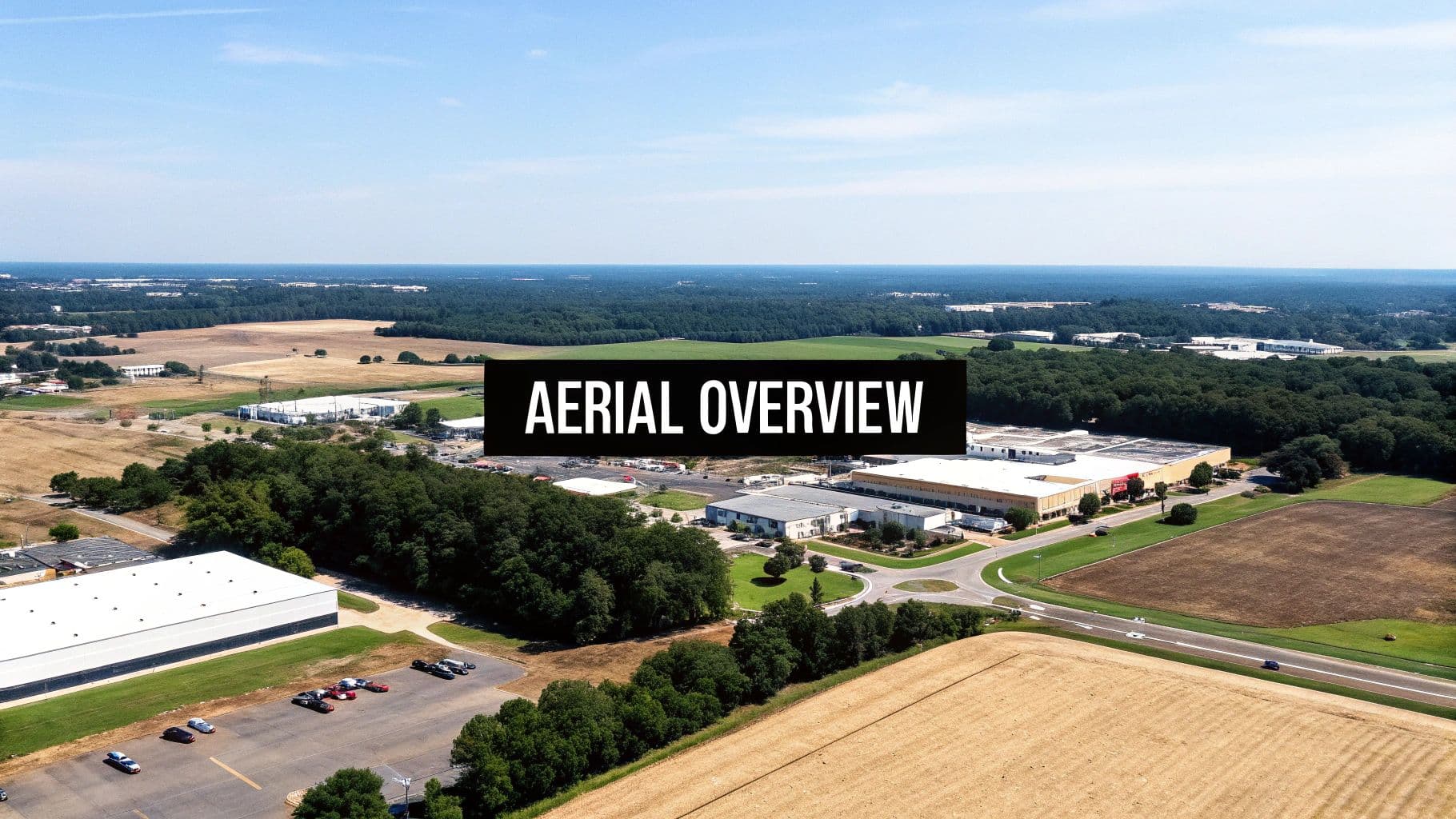
This type of B-roll instantly communicates size and scope, offering a perspective that commands attention. For example, a real estate video can use a drone shot to reveal a property's entire layout and its relationship to the surrounding neighborhood, providing information a ground-level shot never could.
Strategic Breakdown & Shot List
Aerial shots are a powerful tool for establishing context and conveying a sense of grandeur. They can follow a moving subject, like a car on a scenic road, or slowly reveal a location to build anticipation. Always check local regulations and obtain proper licensing before flying a drone for commercial purposes.
Key Takeaway: Use aerial shots to transform an ordinary scene into a spectacular one. A simple reveal shot, where the drone ascends over a treeline to showcase a stunning view, can create a powerful emotional impact and elevate your brand's perceived value.
Suggested Shot List:
-
Top-Down "God's Eye" View: A shot looking straight down on a scene, perfect for showing patterns, layouts, or movements.
-
Fly-Through: Navigating the drone through a structure or natural formation to create a dynamic, immersive experience.
-
Orbit Shot: Flying the drone in a smooth circle around a subject (e.g., a building, a person) to provide a 360-degree view.
-
Reveal Shot: Starting low and ascending or moving from behind an object to unveil a breathtaking landscape or property, making it one of the most compelling b roll examples.
Editing & Adaptation
Aerial clips are most effective when kept between 5-10 seconds to maintain viewer engagement without dragging. Use them to open a video, transition between major scenes, or as a powerful closing shot. Smooth, slow movements are key; avoid jerky or rapid motions.
You can leverage AI to create stunning aerial perspectives without a drone. Using a Proom AI template, you can generate a stylized flyover of a futuristic city for a tech ad or a sweeping view of a fantasy landscape for a product launch video. This allows you to achieve that high-production feel and unique perspective on a budget.
7. Close-Up Shot / Detail Shot
A close-up or detail shot gets intimately close to the subject, focusing on fine details, textures, or specific features that might otherwise be missed. This B-roll technique is crucial for isolating important product information, demonstrating craftsmanship, and creating a strong sensory connection with the viewer. It's the shot that shows the intricate stitching on a leather bag or the smooth pour of a cosmetic product.
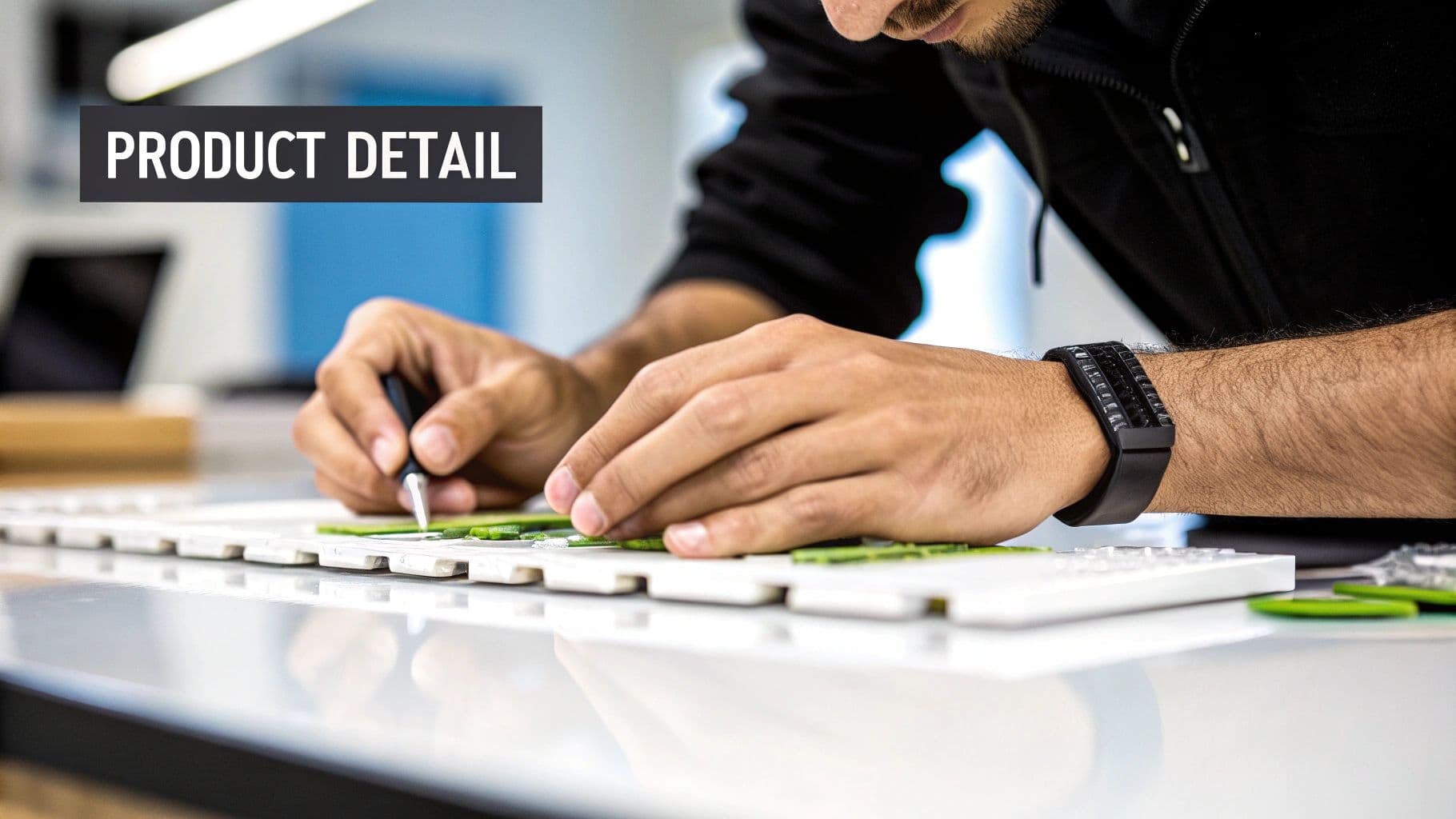
This type of shot builds visual interest and adds a layer of polish and perceived value to your subject. For e-commerce brands, it’s a powerful tool to answer unspoken customer questions about quality and material before they even ask.
Strategic Breakdown & Shot List
Detail shots are storytellers in their own right. They guide the viewer’s attention to what matters most, highlighting key selling points and evoking emotion. A close-up of a character's facial expression can convey more than a line of dialogue, just as a macro shot of a product's texture can communicate premium quality.
Key Takeaway: Use close-up shots to build trust and desire. When you confidently showcase the fine details of your product, you are subliminally telling the customer that you have nothing to hide and are proud of its quality.
Suggested Shot List:
-
Macro Texture Shot: An extreme close-up of a material like fabric, wood grain, or metal to emphasize its quality.
-
Product-in-Use Detail: Focusing on one specific feature being used, such as a button being pressed or a zipper being pulled.
-
Ingredient Close-Up: Highlighting the fresh, high-quality components of a food or cosmetic product. This is one of the most effective b roll examples for culinary or beauty brands.
-
Hands-On Detail: Showing hands interacting with the product, demonstrating craftsmanship, assembly, or its tactile nature.
Editing & Adaptation
Close-up shots are typically short, lasting just 2-5 seconds, and are used to break up the pacing of wider or medium shots. They are incredibly effective when cut to the rhythm of the music. When editing, ensure the lighting highlights the texture you want to showcase, and consider using a shallow depth of field to make the specific detail pop against a blurred background.
For digital products or social ads, you can simulate this professional look with AI. A Proom AI template can generate hyper-realistic, detailed close-ups of virtual products, allowing you to showcase textures and features with cinematic quality without the need for a macro lens or complex lighting setup.
8. Tracking Shot / Follow Shot
A tracking shot, also known as a follow shot, is a dynamic technique where the camera physically moves alongside a subject. This creates an engaging and immersive experience, pulling the viewer directly into the action and fostering a strong connection to the person or object being followed. It’s perfect for guiding an audience through a space, process, or narrative journey.
Whether following an athlete on the field or guiding a potential homebuyer on a virtual property tour, this shot keeps the focus squarely on the subject’s movement and experience. For brands, it's an excellent way to demonstrate a product in use or showcase the flow of a service in a natural, fluid manner.
Strategic Breakdown & Shot List
Tracking shots are powerful storytelling tools because they mirror our natural perspective when following something of interest. This movement builds momentum and can create a sense of discovery, making it ideal for tutorials, behind-the-scenes content, and real estate showcases. The key is maintaining smooth, stable motion to avoid distracting the viewer.
Key Takeaway: Use a tracking shot to create a first-person perspective or a "day in the life" feel. Following a character through their routine helps audiences build empathy and see the world through their eyes.
Suggested Shot List:
-
Walk-and-Talk: Following a person as they walk through an office or facility while explaining a concept.
-
Product in Action: Tracking a product, such as a remote-controlled car or a piece of luggage, as it moves through its environment.
-
Guided Tour: A smooth camera movement that follows a guide through a property, museum, or event space. This is one of the most effective b roll examples for real estate and architectural videos.
-
Side-Profile Follow: Moving parallel to a subject, such as a runner or cyclist, to capture their form and effort.
Editing & Adaptation
Effective tracking shots should be long enough to establish a sense of journey, typically lasting 5-15 seconds. In editing, they serve as excellent "connector" clips, smoothly transitioning viewers from one location or idea to the next. Stabilize any shaky footage in post-production to ensure a professional finish.
You can create compelling animated tracking shots with AI. Using a Proom AI template, you could generate a shot that follows an avatar through a stylized virtual environment, perfect for explaining a complex software workflow or creating an engaging intro for a social media ad without needing a camera crew or gimbal.
9. POV / First-Person Shot
A Point-of-View (POV) or first-person shot places the camera in the position of a character, immersing the audience directly into the action. This powerful technique makes the viewer feel like they are the one performing the task, driving the car, or unboxing the product. It bridges the gap between watching and experiencing, fostering a strong sense of presence and connection.
This shot is especially effective for tutorials, action sports, and product demonstrations where seeing the process from the user's perspective is critical. For e-commerce brands, a POV shot can simulate the tactile experience of using a product, from applying a skincare cream to assembling a piece of furniture.
Strategic Breakdown & Shot List
POV shots are a strategic tool for building empathy and enhancing engagement. By putting the viewer in the driver's seat, you eliminate the observational barrier and create a more visceral, memorable experience. This is one of the most effective b roll examples for creating a feeling of "you are here."
Key Takeaway: Use a POV shot to make your product or service feel intuitive and user-centric. Showing an action from a first-person perspective makes it seem more achievable and relatable to the viewer.
Suggested Shot List:
-
Hands-On Product Use: A shot from the user’s perspective showing their hands interacting with your product.
-
Helmet/Head-Mounted Cam: Captures dynamic action like biking or skiing, providing a high-energy, immersive view.
-
Chest-Mounted Shot: A stable perspective that includes the subject's hands, perfect for tutorials or unboxing videos.
-
"Day in the Life" View: Following a subject's perspective as they move through different environments or complete tasks.
Editing & Adaptation
POV clips should be used thoughtfully to maximize their impact, typically lasting between 4-8 seconds. Longer sequences can cause viewer fatigue or motion sickness if not properly stabilized. Intercut these shots with standard third-person angles to provide context and give the audience a visual break. Smooth, stabilized motion is key, so use gimbals or digital stabilization in post-production.
You can leverage AI to create compelling POV shots without complex camera rigs. With a Proom AI template, you can generate a first-person video of a character using a digital device, driving a virtual car, or exploring a fantastical environment. This allows you to produce highly engaging, immersive B-roll that aligns perfectly with your campaign’s narrative.
10. Reaction Shot / Cut-Away Shot
A reaction shot, or its close relative the cut-away, is a vital editing tool that breaks away from the main action to show something else. This could be a person's emotional response, a relevant detail in the environment, or a different angle of the subject, providing context and emotional depth while making the edit feel seamless. It's the shot of an audience member laughing during a presentation or a close-up of a product feature while a person talks about it.
These shots are the connective tissue of compelling video. They guide the viewer's interpretation, add rhythm to the pacing, and are indispensable for covering up jump cuts or awkward pauses in an interview or testimonial. For e-commerce, cutting away to a product's texture or packaging while a customer gives a review adds powerful visual proof.
Strategic Breakdown & Shot List
Reaction and cut-away shots are more than just editing patches; they are narrative drivers. They can build suspense, validate a speaker's point, or inject humor and humanity into a corporate video. Showing a team member nodding in agreement during a CEO's speech makes the message feel more unified and authentic.
Key Takeaway: Use reaction shots to show, not just tell. Instead of saying a product is delightful, cut to a genuine shot of a user smiling while using it. This visual evidence is far more persuasive than any spoken claim.
Suggested Shot List:
-
Audience/Listener Reactions: Capture shots of people listening, nodding, smiling, or looking intrigued during an interview or speech. These are classic b roll examples for testimonials.
-
Product Detail Cut-Aways: A close-up of a specific feature, fabric texture, or ingredient as it's being discussed.
-
Hand Gestures: Filming the subject's hands as they talk can add energy and provide a useful cut-away that feels connected to the main action.
-
Environmental Details: A shot of a relevant object in the room, like a company award on a shelf or a framed photo, to add background and character.
Editing & Adaptation
These clips are typically very short, often lasting just 1-3 seconds, and are inserted to break up longer takes of the primary subject. The key is relevance; the cut-away must logically connect to what is being said or shown in the main footage. Always ensure the lighting and color grading match the primary shot for a professional, seamless transition.
You can leverage AI to create perfect cut-aways for digital product ads. With a Proom AI template, you can generate a stylized animation of a user interface element or a graphic icon that visually represents a key benefit. This allows you to create dynamic, relevant cut-aways that keep your social ads engaging without needing live-action footage.
B-Roll: 10 Shot Types Compared
| Shot Type | Implementation Complexity | Resource Requirements | Expected Outcome | Ideal Use Cases | Key Advantages |
|---|---|---|---|---|---|
| Establishing Shot / Wide Shot | Low | Wide-angle lens, tripod or vehicle; sometimes drone | Provides location context and spatial orientation | Scene openings, travel, documentary, real estate, corporate | Communicates place quickly, sets mood, versatile |
| Pan Shot | Low–Medium | Tripod with fluid head or gimbal | Reveals scene sequentially, guides viewer attention | Product lineups, landscapes, events, corporate videos | Adds motion/dynamism, shows relationships, reduces cuts |
| Tilt Shot | Low–Medium | Tripod/gimbal with tilt control | Reveals vertical information, emphasizes height or scale | Architecture, product tall subjects, cinematic reveals | Emphasizes scale, creates dramatic vertical reveals |
| Parallax / Dolly Zoom Shot | High | Slider, gimbal, dolly, crane or drone; skilled operator | Strong depth and perspective shifts, cinematic immersion | Commercials, film, real estate, product videos | Immersive depth, high production value, visual interest |
| Zoom Shot | Low | Zoom lens or digital zoom | Magnifies or reduces subject size, focuses attention | Interviews, product demos, tutorials, vlogs | Easy to execute, isolates details, minimal equipment |
| Aerial / Drone Shot | Medium–High | Drone or aircraft, certified operator, permits | Bird's-eye perspective showing scale and patterns | Real estate, travel, events, documentaries, construction | Unique vantage points, cinematic scope, high engagement |
| Close-Up / Detail Shot | Low–Medium | Macro or telephoto lens, strong lighting, tripod | Captures fine detail and texture, creates intimacy | Product videos, tutorials, food, interviews | Highlights details, high viewer engagement, narrative clarity |
| Tracking / Follow Shot | High | Steadicam, gimbal, dolly or track; experienced operator | Dynamic, continuous movement that follows subject | Film, commercials, sports, tours, event coverage | Maintains focus on subject, immersive and narrative-driven |
| POV / First-Person Shot | Medium | Action camera (GoPro), mounts, stabilization rig | Immersive first-person perspective, emotional involvement | Tutorials, sports, action, vlogs, VR snippets | Strong immersion and empathy, authentic viewpoint |
| Reaction / Cut-Away Shot | Low | Any camera, minimal setup | Provides editing flexibility, shows reactions or context | Interviews, events, documentaries, all genres | Masks jump cuts, builds emotion, easy to capture |
From Shot List to Story: Putting Your B-Roll Plan into Action
We have explored a comprehensive library of b roll examples, moving far beyond simple definitions to uncover the strategic power behind each shot. From the expansive context of an aerial shot to the intimate detail of a close-up, these ten techniques are the fundamental building blocks of compelling visual storytelling. You now possess the knowledge to deconstruct professional video and, more importantly, to construct your own.
The journey from a blank slate to a finished video can seem daunting, but it always begins with a clear plan. The most successful content creators don't just point and shoot; they meticulously craft shot lists designed to evoke specific emotions and deliver precise information. This strategic foresight is what separates amateur footage from polished, professional content that drives engagement and conversions.
Synthesizing Strategy: Key Takeaways
Your primary takeaway should be this: B-roll is not filler, it's flavor. It's the visual spice that adds depth, context, and emotional resonance to your main narrative (the A-roll). Let's recap the core principles:
-
Variety is Vital: A video composed solely of wide shots feels distant and impersonal. One made entirely of close-ups can feel claustrophobic and confusing. The magic happens in the mix. Combine establishing shots with detail shots, and smooth tracking shots with revealing tilts to create a dynamic and engaging rhythm.
-
Purpose Before Production: Before you ever press record or generate a clip, ask yourself: "What is the purpose of this shot?" Is it to establish a location? Reveal a product texture? Show a process in action? Every single clip should serve a specific narrative or emotional function.
-
Pacing Creates Emotion: The length and sequence of your B-roll clips directly influence the viewer's emotional state. Quick cuts build excitement and energy, making them perfect for social media ads. Slower, longer takes of parallax or pan shots create a sense of calm, luxury, and thoughtfulness, ideal for high-end real estate or architectural showcases.
Actionable Next Steps: Your Path to Cinematic Content
Mastering these b roll examples is the first critical step. Now, it's time to put that knowledge into action without getting bogged down by the traditional hurdles of video production. For busy marketers, designers, and business owners, efficiency is non-negotiable.
This is where a modern workflow becomes a competitive advantage. Instead of coordinating complex and expensive photoshoots, you can leverage the high-quality assets you already possess. A portfolio of stunning interior design photos, crisp e-commerce product shots, or professional real estate listings contains all the raw material you need.
The next step is to bridge the gap between static imagery and dynamic video. By using the shot list concepts from this article as your guide, you can begin to visualize how your photos can transform into cinematic B-roll. Think about which images would make a powerful establishing shot, which product details deserve a slow zoom, and which architectural features would benefit from a graceful tilt.
This approach transforms the creation of high-end video from a resource-intensive challenge into a streamlined, creative process. You maintain full control over your brand's aesthetic while dramatically reducing the time and cost required to produce video content that captivates and converts your audience.
Ready to transform your static photos into the stunning b roll examples we've covered? With Proom AI, you can instantly generate cinematic video from your existing images using templates designed for architecture, real estate, and e-commerce. Skip the expensive video shoots and start creating professional-grade content in minutes at Proom AI.
Ready to create video ads?
Turn your photos into scroll-stopping ads in minutes. No video editing skills required.
Try For Free

