2026 Interior Design Portfolio Template: 12 Best Sources
12 interior design portfolio templates that win clients. PDF, website & video formats compared. See which style converts best for your niche →
An interior design portfolio is your single most important marketing asset. It’s the visual handshake that communicates your aesthetic, showcases your project management skills, and ultimately convinces a potential client to trust you with their space. Yet, creating a compelling portfolio from scratch is a significant undertaking, demanding hours of graphic design work that could be better spent on client projects. This is where a high-quality interior design portfolio template becomes an indispensable tool, streamlining the entire process while ensuring a professional, cohesive presentation of your best work.
This comprehensive resource guide is designed to help you navigate the vast market of portfolio templates. We've curated and analyzed the top options across various platforms and formats, saving you the effort of endless searching. Whether you need a polished PDF for a specific proposal, a dynamic website to attract new leads, or an easily editable template for social media, you will find a solution here. Each listing provides a detailed breakdown, including file types, pricing, and practical use-case scenarios to help you make an informed decision.
Instead of just listing features, we offer a practical look at what each template delivers. You'll find direct links and screenshots for every option, allowing you to see exactly how your projects could look. From sophisticated Adobe InDesign layouts for print-focused designers to user-friendly Canva templates for quick digital lookbooks, this guide provides the clarity needed to select the perfect foundation for your portfolio. Let's find the template that will help you land your next dream project.
1. Envato Elements
Envato Elements is an excellent resource for designers comfortable with Adobe Creative Suite, offering a vast, subscription-based library of digital assets. Its key strength lies in providing unlimited downloads of high-quality, print-ready interior design portfolio templates, primarily for InDesign, making it a powerhouse for creating physical lookbooks and presentations.
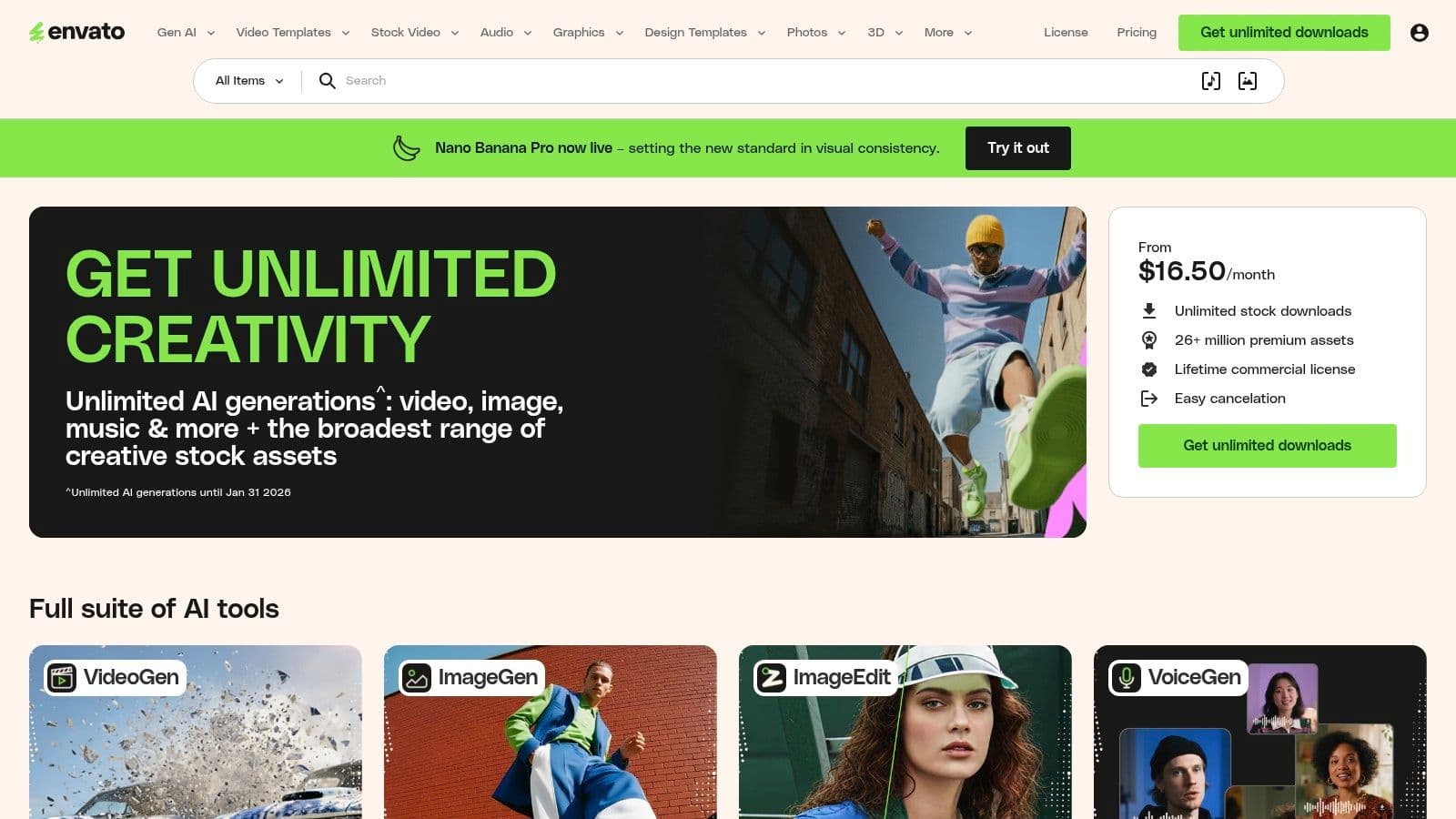
Most templates are professionally structured with proper bleeds, CMYK color profiles, and 300 DPI resolution, ensuring your printed portfolio looks polished and sharp. The subscription model is a significant advantage; for a flat monthly fee, you gain access to thousands of templates, fonts, stock photos, and graphics. This is invaluable if you're developing brand collateral beyond just a portfolio.
Key Features and Considerations
The platform's user experience is straightforward, with powerful filters to narrow down searches. You can sort by application (InDesign, Photoshop), orientation, and color. While the quality is generally high, it can vary between different creators on the platform, so it's wise to check user reviews and ratings before downloading. The included commercial license with an active subscription simplifies usage rights for client work.
| Feature | Details |
|---|---|
| Best For | Designers needing multiple print-ready assets and Adobe integration. |
| File Types | INDD, IDML, AI, PSD |
| Pricing | Subscription-based (from $16.50/month) |
| Licensing | Commercial license included with subscription |
Pros:
-
Exceptional value with unlimited downloads.
-
Templates are professionally set up for print (bleeds, CMYK).
-
Access to a massive library of other creative assets (fonts, photos).
Cons:
-
Requires an ongoing subscription for new downloads.
-
Asset quality can be inconsistent across different authors.
Website: https://elements.envato.com
2. Envato Market (GraphicRiver)
For designers who prefer to purchase assets individually rather than commit to a subscription, Envato Market (specifically its GraphicRiver section) is an ideal destination. It operates as a massive pay-per-item marketplace where you can buy a single high-quality interior design portfolio template without any ongoing fees. This model is perfect if you only need one or two templates for a specific project or client presentation.
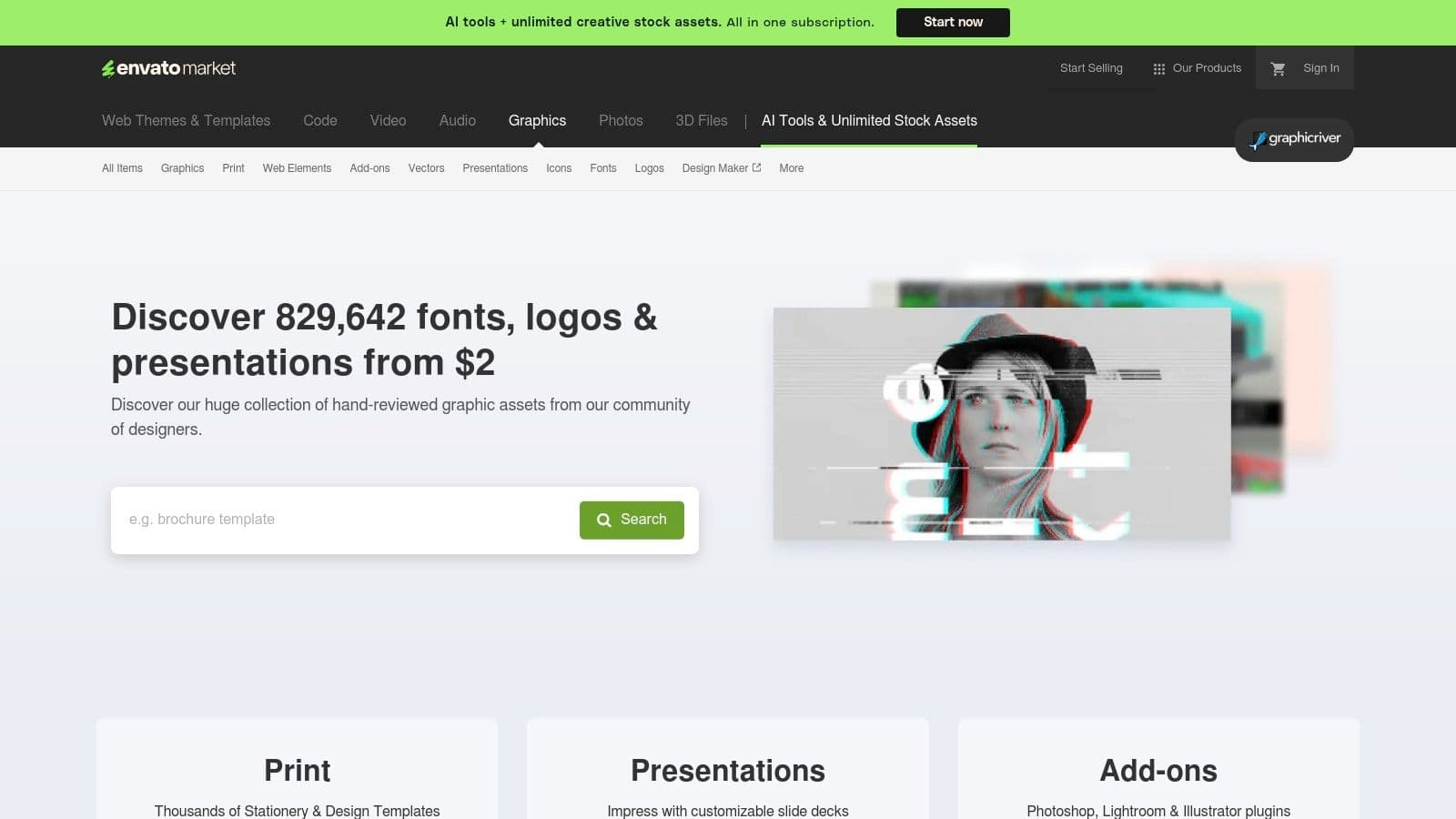
Unlike its subscription-based sibling, GraphicRiver allows you to browse and purchase templates from thousands of individual creators. Each product page provides extensive details, including pixel dimensions, page counts, file types (often offering InDesign, Canva, and Photoshop versions), and print specifications. This transparency helps you make an informed decision and find a template that precisely fits your technical requirements and aesthetic vision before you buy.
Key Features and Considerations
The platform's strength lies in its one-off purchase model and the detailed information provided by sellers. You can see clear previews of every page, read user reviews, and check the seller's overall rating to gauge quality. Licensing is straightforward, typically offering a standard license for personal or single-client use and an extended license for broader commercial applications. This a la carte approach is cost-effective for targeted needs but can become expensive if you require multiple assets over time.
| Feature | Details |
|---|---|
| Best For | One-off purchases without needing a subscription. |
| File Types | INDD, IDML, PSD, AI, Canva |
| Pricing | Pay-per-item (typically $10-$40 per template) |
| Licensing | Standard and Extended licenses available per item |
Pros:
-
Buy only the template you need with no subscription commitment.
-
Clear previews and detailed specifications on every item page.
-
Wide variety of styles from numerous independent creators.
Cons:
-
Costs can add up quickly if you need several templates or assets.
-
Quality can vary significantly between different sellers.
Website: https://graphicriver.net
3. Creative Market
Creative Market is an online marketplace where independent creators sell digital assets, making it a fantastic source for finding a unique and stylish interior design portfolio template. Unlike subscription services, you purchase templates individually, which is ideal if you only need one or two high-quality options. The platform thrives on its community of boutique designers, offering distinct aesthetics that can help your portfolio stand out from more generic layouts.
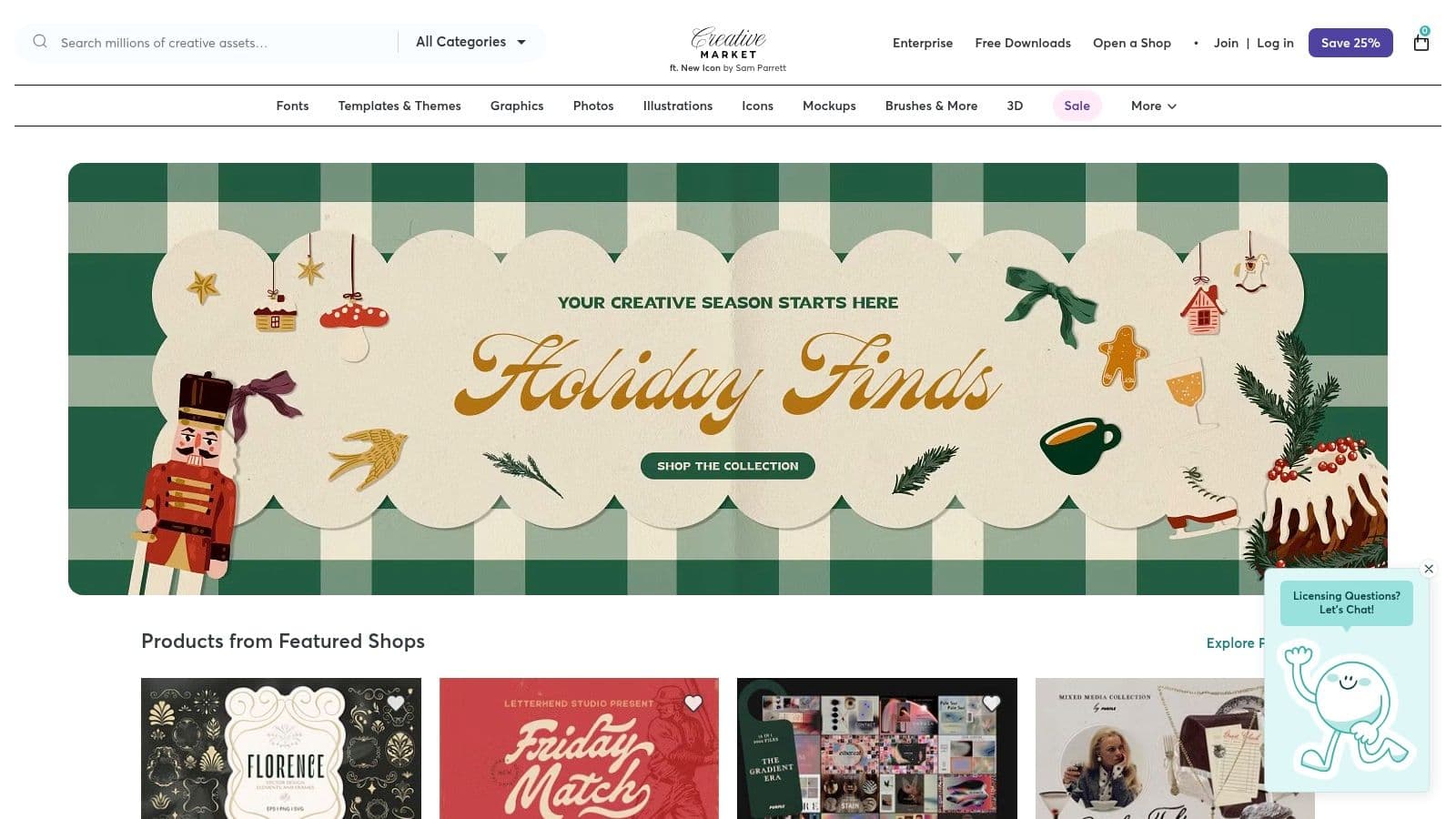
The platform hosts templates for various software, including InDesign, Canva, and Photoshop, giving you flexibility in your choice of editing tools. Each product page typically includes detailed previews and descriptions from the seller, so you can see exactly what you’re getting. This marketplace model supports independent creators and often results in more artistic and brand-focused designs, which is a key part of effective marketing for designers.
Key Features and Considerations
Creative Market’s user experience is focused on discovery, with powerful filters to sort by application, price, and properties. Because each shop is run by a different designer, the quality of documentation and support can vary. It's always a good idea to check seller ratings, reviews, and the included file specifics before purchasing. The commercial licenses are generally straightforward, allowing you to use the template for professional client presentations.
| Feature | Details |
|---|---|
| Best For | Designers seeking unique, boutique-style templates with a one-time purchase. |
| File Types | INDD, IDML, PSD, AI, Canva |
| Pricing | Pay-per-asset (templates typically range from $20 to $80) |
| Licensing | Commercial and Extended Commercial licenses available per item |
Pros:
-
Unique, brandable styles from independent creators.
-
Strong preview images and detailed seller presentations.
-
One-time purchase model with no subscription required.
Cons:
-
Quality and documentation can vary significantly by seller.
-
May require specific software knowledge (e.g., InDesign).
Website: https://creativemarket.com
4. Etsy (Digital Templates)
Etsy is a bustling marketplace for independent creators, making it a goldmine for affordable and unique interior design portfolio templates. It’s an ideal choice for students, freelancers, and small studios seeking stylish, ready-to-edit designs without a subscription. The platform’s strength is its sheer variety, offering thousands of templates primarily for Canva and InDesign, often packaged with cohesive branding elements.
Unlike subscription services, Etsy operates on a one-time purchase model, giving you lifetime access to the digital files you buy. Many sellers provide templates in both US Letter and A4 formats, often including over 20 pre-designed pages covering everything from project showcases to client testimonials. The instant digital delivery means you can start customizing your portfolio moments after purchase.
Key Features and Considerations
The user experience is driven by search and seller ratings, which are crucial for vetting quality. Always check recent reviews and look at all the preview images to understand the template's structure and file organization. While most sellers offer excellent products, the design rigor and post-purchase support can vary significantly. Look for "Bestseller" badges as a good indicator of a proven, popular template.
| Feature | Details |
|---|---|
| Best For | Students, freelancers, and boutique firms needing budget-friendly, one-off templates. |
| File Types | Canva, INDD, IDML, PDF |
| Pricing | One-time purchase (typically $5 - $30) |
| Licensing | Varies by seller; check individual shop policies for commercial use. |
Pros:
-
Extremely budget-friendly with many high-quality options under $20.
-
Abundant user reviews and ratings provide valuable social proof.
-
Directly supports independent designers and small creative studios.
Cons:
-
Quality and file organization can be highly inconsistent between sellers.
-
Customer support and documentation depend entirely on the individual creator.
Website: https://www.etsy.com
5. Adobe Stock Templates
Adobe Stock is the official marketplace from the creators of InDesign, offering premium templates that integrate seamlessly into the Creative Cloud ecosystem. Its primary advantage is reliability; every interior design portfolio template is built to professional standards, with correct page masters, paragraph styles, and print specifications baked in. This direct integration means you can find and open a template right within InDesign, ensuring perfect compatibility and a smooth workflow.
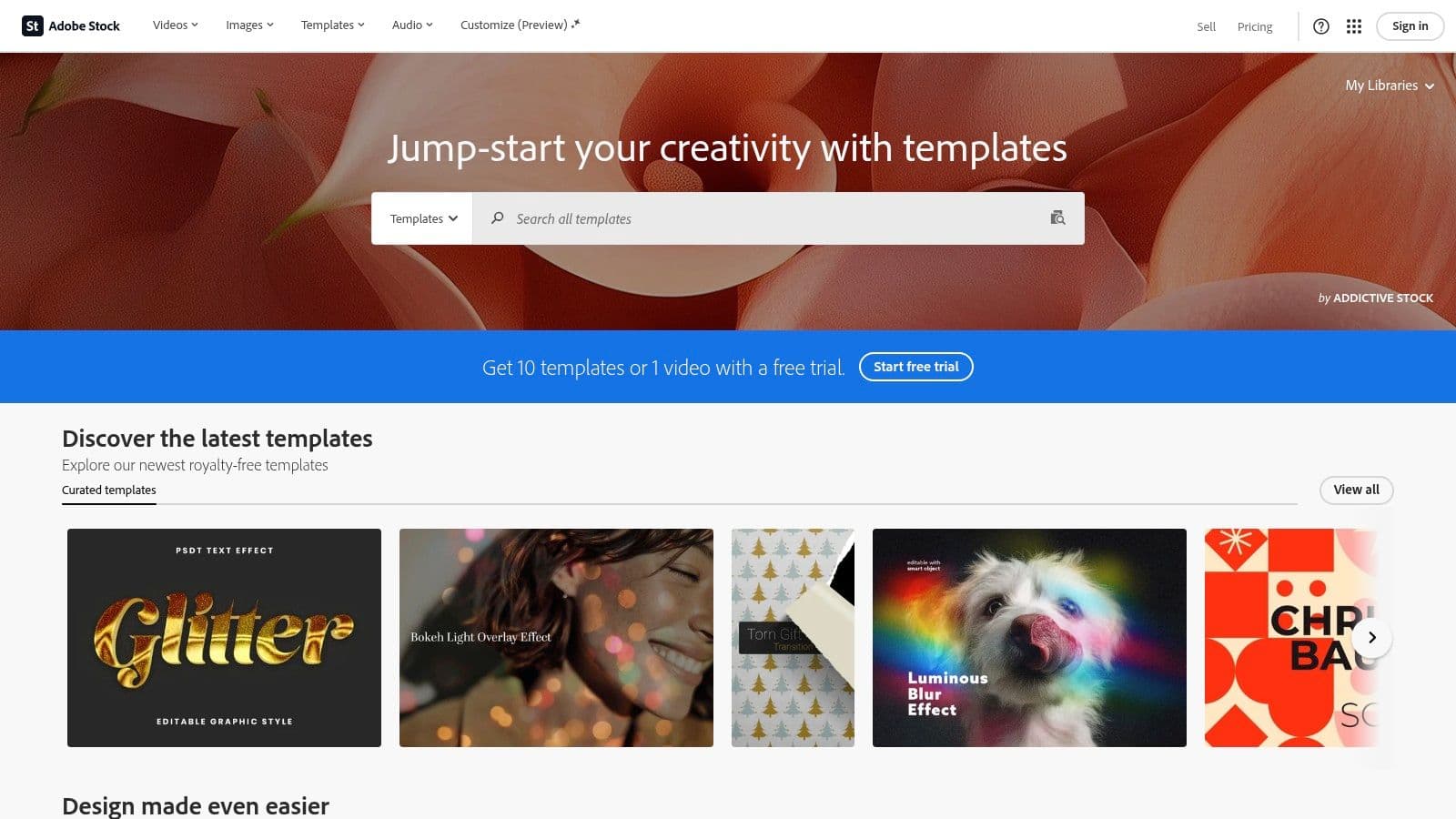
Unlike subscription libraries, Adobe Stock often operates on a per-asset or credit pack model. While this can make individual templates more expensive, it is ideal for designers who only need a single, high-quality template without committing to a monthly fee. The quality control is exceptionally high, so you can trust that the files are production-ready and technically sound, saving you time on pre-press checks and file troubleshooting.
Key Features and Considerations
The user experience is what you would expect from Adobe: clean, professional, and tightly integrated. You can filter templates specifically for InDesign, and previewing layouts is straightforward. A key benefit is that licensing a template often includes access to any Adobe Fonts used within it, simplifying font management. While the selection might be smaller than massive marketplaces, the focus is on quality over quantity.
| Feature | Details |
|---|---|
| Best For | Designers prioritizing quality and seamless Adobe Creative Cloud integration. |
| File Types | INDD, INDT |
| Pricing | Per-asset purchase, credit packs, or included with some subscription plans. |
| Licensing | Enhanced license typically included with purchase. |
Pros:
-
Guaranteed compatibility and high technical quality.
-
Seamless integration with Creative Cloud apps.
-
Templates are professionally structured for reliable print production.
Cons:
-
Per-asset cost can be higher than subscription-based services.
-
Requires an Adobe Stock subscription or credit packs for the best value.
Website: https://stock.adobe.com/templates
6. Canva
Canva has become the go-to browser-based design platform for designers who need to create polished, client-ready documents quickly without specialized software. Its major advantage is the incredibly low learning curve; the drag-and-drop editor allows you to produce a stunning interior design portfolio template in minutes, not hours. It excels at creating digital presentations and simple one-page portfolio websites that are easy to share and update.
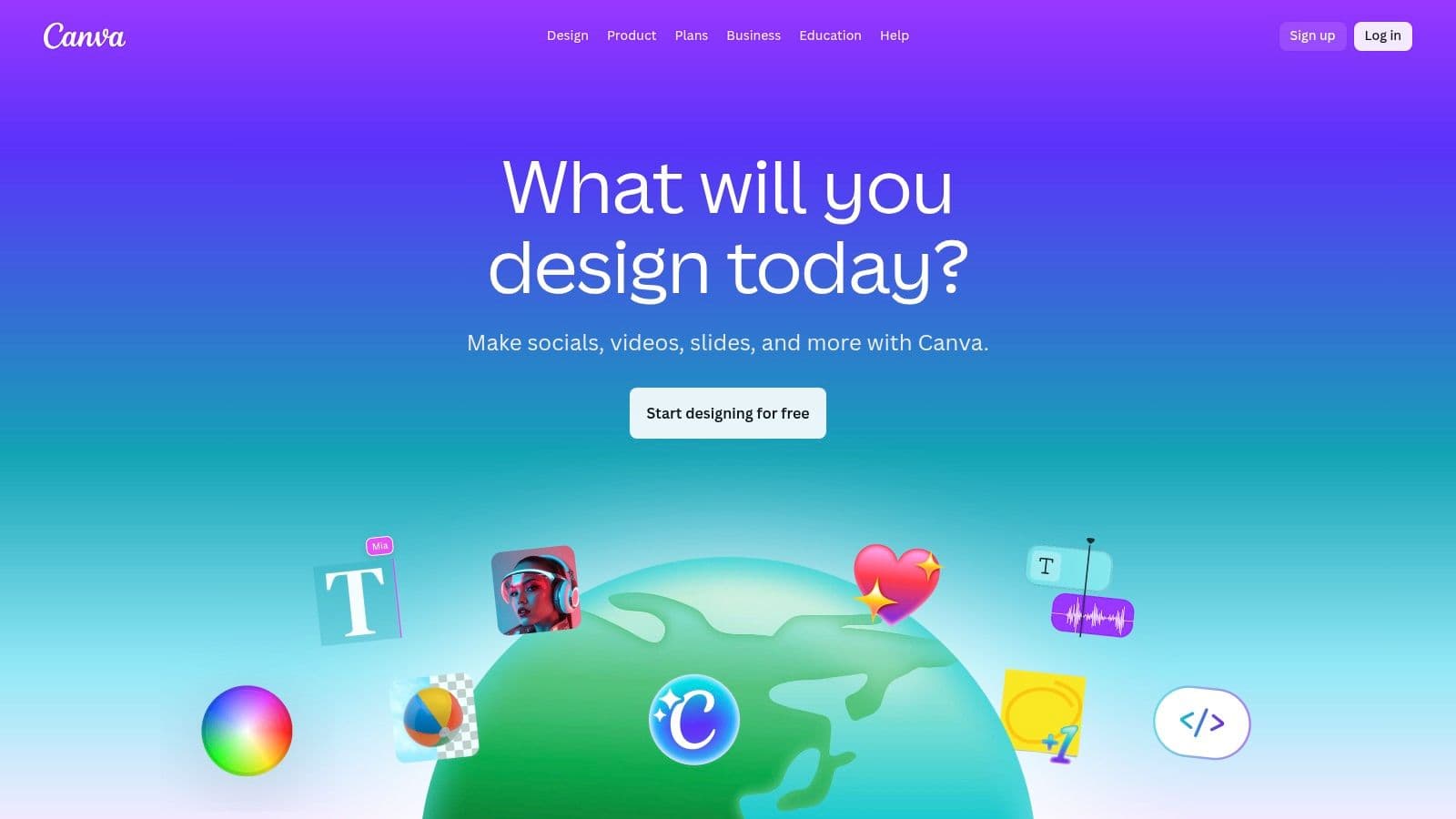
The platform offers a vast library of templates specifically for portfolios, which you can easily customize with your own branding using their Brand Kit feature. Collaboration is another key strength, allowing you to share a design with a team member or client for direct feedback. While not built for professional print production like InDesign, Canva is unbeatable for creating digital PDFs, presentation decks, and even simple videos that look professional.
Key Features and Considerations
Ready to create video ads?
Turn your photos into scroll-stopping ads in minutes. No video editing skills required.
Try For FreeThe user experience is highly intuitive, with a massive library of elements, photos, and fonts available. The free plan is quite generous, but Canva Pro unlocks premium templates and assets, which are often of higher quality. A unique feature is the ability to publish your design directly as a simple, responsive website with just one click, offering a quick way to get your portfolio online.
| Feature | Details |
|---|---|
| Best For | Quick digital portfolios, client presentations, and simple one-page websites. |
| File Types | PDF, PPTX, JPG, PNG, MP4, Website |
| Pricing | Free plan available; Canva Pro from $14.99/month |
| Licensing | Varies; assets are licensed for use within Canva designs |
Pros:
-
Extremely low learning curve and incredibly fast to use.
-
Huge library of templates and design assets.
-
Excellent collaboration tools and easy sharing options (PDF, website).
Cons:
-
Lacks the precision needed for professional print production.
-
Asset licensing and availability differ between Free and Pro tiers.
Website: https://www.canva.com
7. Wix
Wix is a powerful all-in-one website builder ideal for interior designers who want to create a professional online presence without any coding knowledge. It excels at providing a fast, visually-driven platform with dedicated templates tailored for portfolios. Its drag-and-drop editor allows for complete creative control, making it easy to build stunning project galleries, embed videos, and showcase your unique design aesthetic.
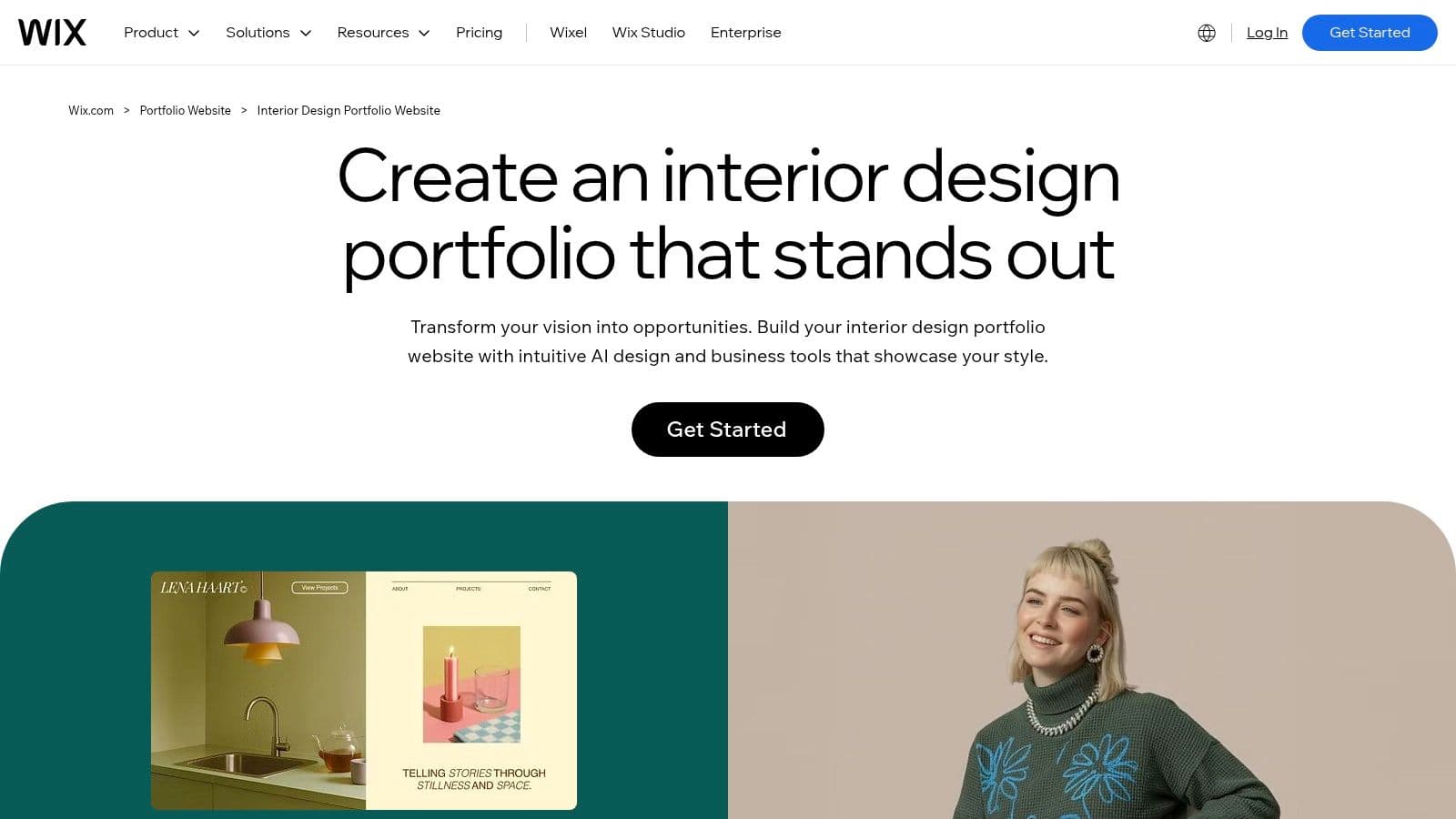
Unlike static PDF templates, a Wix site acts as a dynamic hub for your business. You can integrate a blog to share design insights, add a booking system for client consultations, and optimize your site for search engines with built-in SEO tools. For those looking to go beyond a static gallery, Wix supports rich media, including video. This makes it a great platform to host and showcase dynamic presentations, which you can learn more about in our guide to interior design video templates. The AI site builder is another standout feature, capable of generating a custom portfolio website in minutes based on your responses to a few simple questions.
Key Features and Considerations
Wix offers a curated gallery of specific interior design portfolio template options, giving you a strong starting point. The platform's app market further extends functionality, allowing you to add contact forms, client testimonials, and even e-commerce features. While its editor is highly intuitive, it's important to choose your initial template carefully, as switching to a new one later requires you to rebuild your site's content.
| Feature | Details |
|---|---|
| Best For | Designers needing a complete, easy-to-manage online portfolio and business hub. |
| File Types | Online Website Builder (No downloadable files) |
| Pricing | Free plan with ads; Premium plans start from $17/month |
| Licensing | N/A (Proprietary platform) |
Pros:
-
Intuitive drag-and-drop editor requires no coding skills.
-
All-in-one solution with hosting, SEO, and booking features.
-
Robust gallery and media options are perfect for visual portfolios.
Cons:
-
Switching templates after your site is built can be difficult.
-
Not suitable for users who require advanced custom code integrations.
Website: https://www.wix.com/portfolio-website/industry/interior-design
8. Squarespace (via curated third‑party template shops)
For designers seeking a polished, high-end online presence, premium Squarespace templates from third-party shops offer a significant upgrade over the platform's default options. Studios like The Styled Square create templates specifically for interior designers, providing an editorial, magazine-like aesthetic that elevates your brand. These are not just basic themes; they are comprehensive design kits built on Squarespace's powerful Fluid Engine.
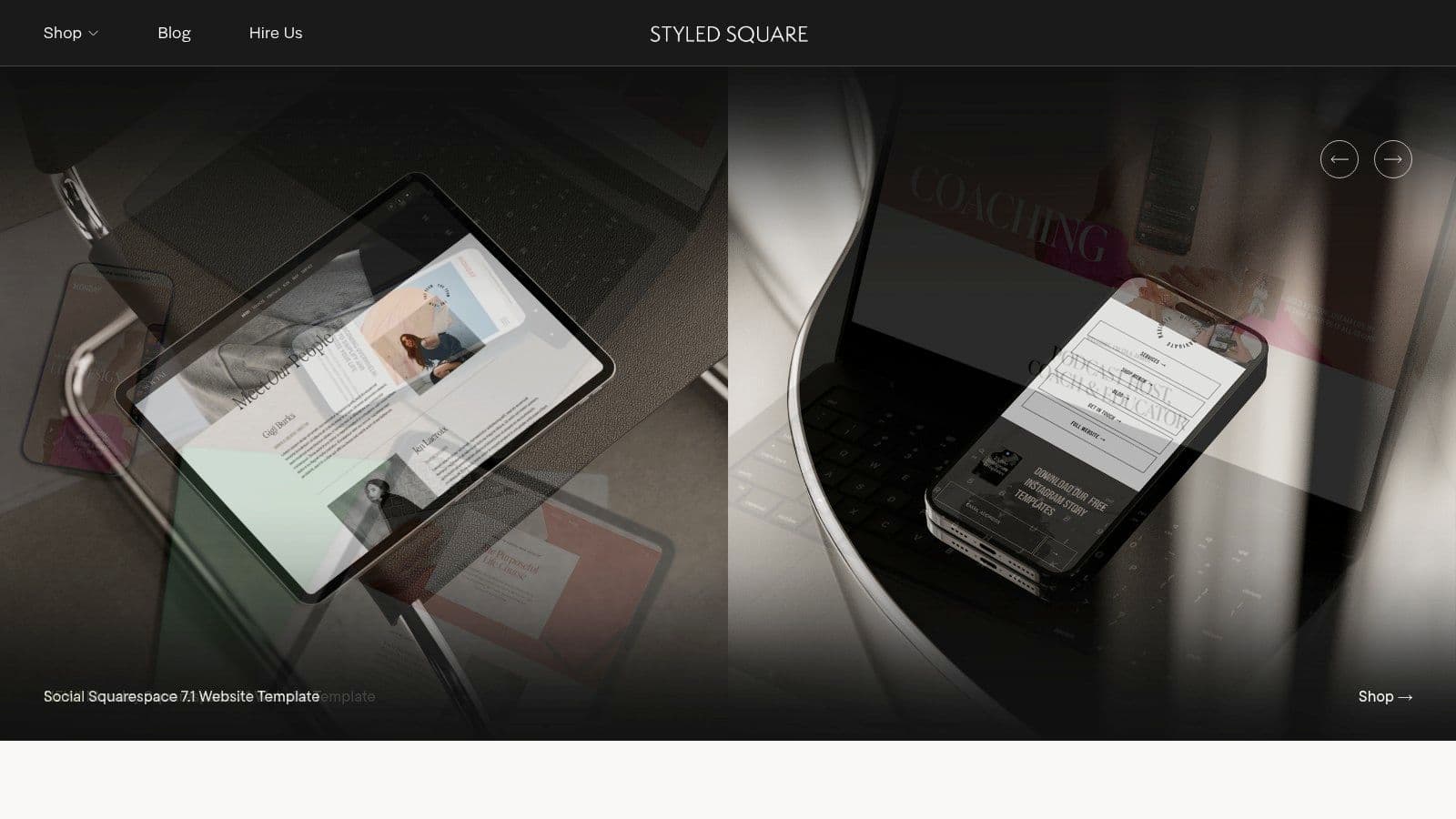
What sets these curated templates apart is the level of detail and support. They often include pre-built case study pages, service descriptions, and portfolio grids tailored to showcasing design projects effectively. Many shops also offer installation services, delivering a fully set-up website with demo content into your Squarespace account, which dramatically speeds up the launch process. This makes creating a professional interior design portfolio template website feel less like a DIY project and more like a custom-designed experience.
Key Features and Considerations
The main benefit is achieving a bespoke look without the custom design price tag. These templates are meticulously designed with high-end brands in mind, featuring sophisticated typography, strategic layouts, and seamless user experiences. However, remember that the template cost is a one-time purchase, and you will still need an active Squarespace subscription to host and maintain your website.
| Feature | Details |
|---|---|
| Best For | Designers wanting a premium, custom-looking website without a custom budget. |
| File Types | Squarespace 7.1 Template Installation |
| Pricing | One-time template fee ($200-$600+) plus Squarespace subscription |
| Licensing | Varies by shop, typically for use on one website. |
Pros:
-
Polished, high-end aesthetics suitable for premium brands.
-
Often bundled with video tutorials and extended trial guidance.
-
Templates are purpose-built for showcasing interior design projects.
Cons:
-
Higher one-time template cost compared to free defaults.
-
You still need a separate Squarespace subscription to host the site.
Website: https://thestyledsquare.squarespace.com
9. Webflow Templates
Webflow offers designer-grade website templates for those seeking maximum creative control over their online presence. It excels at providing a bespoke platform for digital portfolios, combining visual design with a powerful Content Management System (CMS). This makes it an ideal choice for interior designers who want a highly polished, custom-feeling website without writing code from scratch.
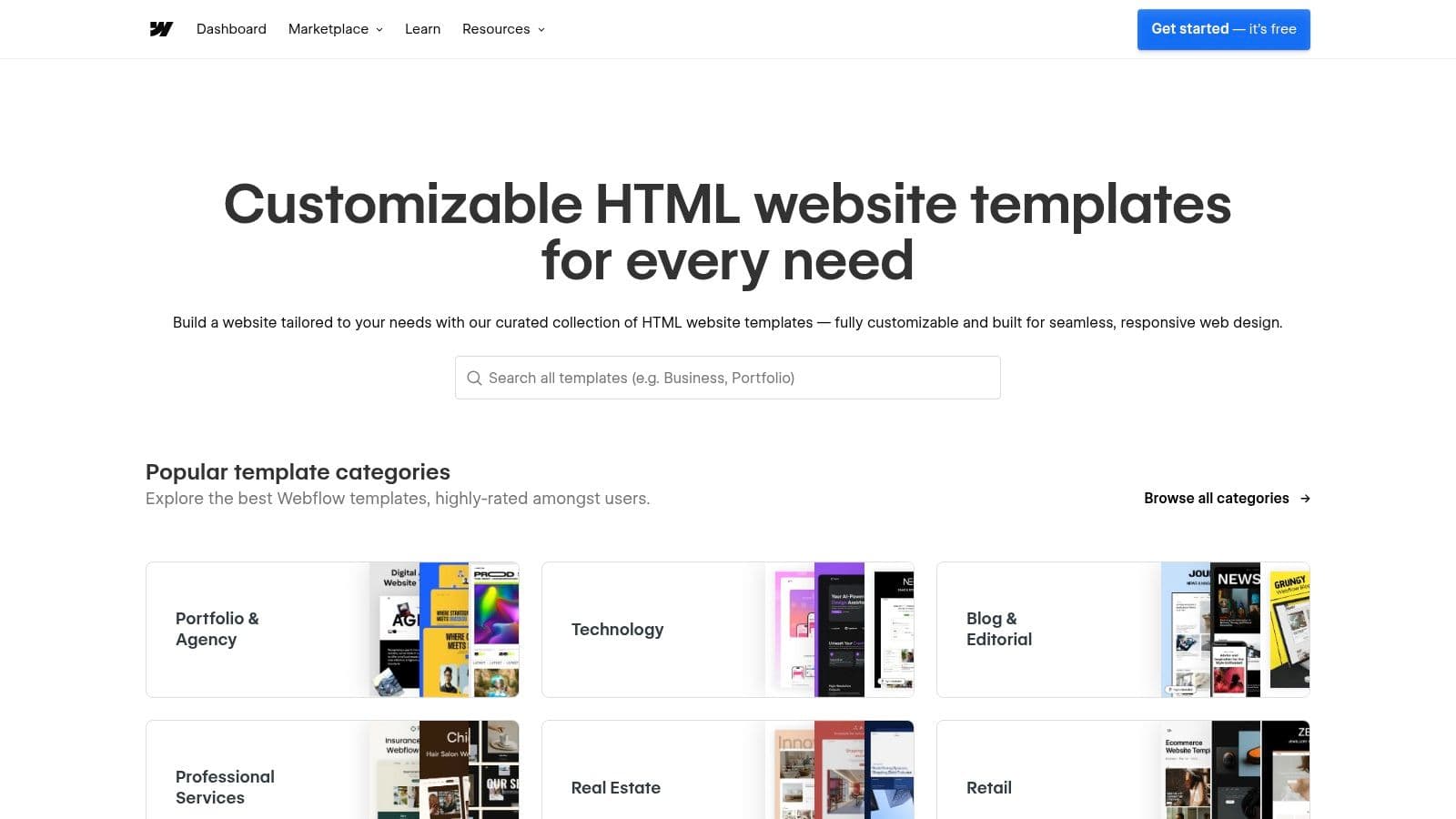
The platform’s key advantage is its ability to handle intricate layouts, sophisticated animations, and dynamic content through CMS Collections. You can structure project case studies meticulously, creating rich, scalable narratives for each design. The templates are clean, minimal, and often tailored to architecture or interior design studios, providing a professional foundation to build upon.
Key Features and Considerations
While Webflow is a no-code tool, it has a steeper learning curve than simpler builders like Squarespace or Wix. Its interface is more akin to professional design software, offering granular control over every element. Once mastered, this allows for unparalleled customization. The templates serve as a starting point, but the real power lies in modifying them to perfectly match your brand identity. You can even export production-ready code if you decide to self-host.
| Feature | Details |
|---|---|
| Best For | Designers wanting a highly custom website with advanced animations and CMS. |
| File Types | Live Website / HTML, CSS, JS (Code Export) |
| Pricing | Template costs (one-time fee, often $49-$129) plus Webflow hosting plans (from $14/month). |
| Licensing | Varies by template; for use on a single Webflow project. |
Pros:
-
Unmatched customization for layouts, interactions, and animations.
-
Powerful CMS is excellent for scalable portfolios and detailed case studies.
-
Produces clean, high-performance, production-ready code.
Cons:
-
Higher learning curve compared to other website builders.
-
Requires separate purchases for the template and ongoing hosting plan.
Website: https://webflow.com/templates
10. TemplateMonster
TemplateMonster is a broad digital marketplace offering a solid collection of assets for designers, including a curated selection of interior design portfolio templates for both print and web. Its primary distinction is the flexible purchasing model, allowing users to buy templates individually or access a wider library through the MonsterONE subscription service, catering to different budget and project needs.
The platform is particularly useful for those who need a single, high-quality template without committing to a subscription. Product pages are detailed, clearly listing file specifications, included features like master pages and bleeds, and the duration of technical support. This transparency helps you make an informed decision and ensures the template meets your technical requirements before purchasing.
Key Features and Considerations
Navigating TemplateMonster is straightforward, with categories for different software and project types. While its interior design collection is smaller than competitors like Envato, the quality is generally reliable. The availability of multiple license tiers for individual purchases, from personal to extended commercial, provides clear usage rights tailored to your project scope. This makes it a great option if you need a specific template for a one-off client presentation.
| Feature | Details |
|---|---|
| Best For | Designers seeking a single-purchase template with clear licensing. |
| File Types | INDD, PSD, AI, Keynote, PPT, Google Slides |
| Pricing | Individual licenses (from ~$15) or subscription (from $7.75/month) |
| Licensing | Personal, Commercial, and Extended Commercial licenses available |
Pros:
-
Flexible purchasing options (single buy or subscription).
-
Detailed product pages with clear file specs and support info.
-
Multiple license tiers accommodate various project needs.
Cons:
-
Smaller selection of dedicated interior design templates.
-
Some assets may require more technical skill to customize effectively.
Website: https://www.templatemonster.com
11. StockInDesign
StockInDesign is a specialized marketplace laser-focused on providing high-quality Adobe InDesign templates. For interior designers dedicated to the InDesign workflow, this platform offers a curated alternative to sprawling, multi-format libraries. It excels in providing clean, professional layouts ideal for creating a polished interior design portfolio template for both print and digital PDF distribution.
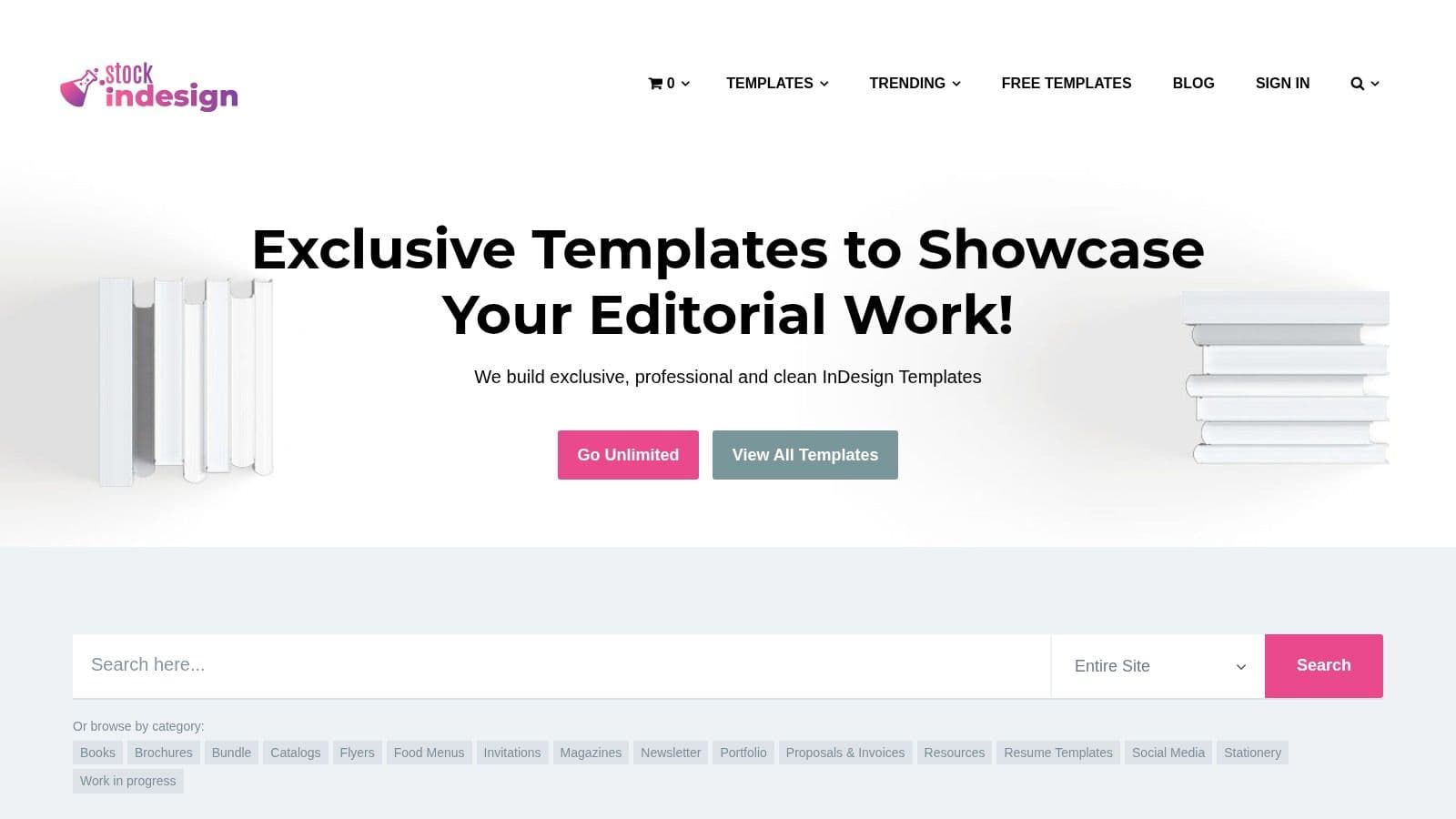
The platform stands out with its straightforward licensing and pricing, offering both affordable individual template purchases and an annual unlimited plan. This flexibility appeals to designers who may only need one template for a specific project or those who frequently update their portfolios. The templates are consistently well-organized, featuring proper layers, master pages, and print-ready specifications like CMYK color and included bleeds.
Key Features and Considerations
Navigating StockInDesign is simple due to its niche focus. While its library is smaller than behemoths like Envato, the quality is reliably high across the board. The platform offers a mix of free and premium templates, allowing users to test the file structure and quality before committing to a purchase. This InDesign-first approach ensures that every detail is optimized for the software, from paragraph styles to object layouts, streamlining the customization process significantly.
| Feature | Details |
|---|---|
| Best For | InDesign purists seeking high-quality, print-focused templates. |
| File Types | INDD, IDML |
| Pricing | Free templates, individual purchases, and an annual subscription plan. |
| Licensing | Commercial license included with purchase. |
Pros:
-
Dedicated focus on InDesign ensures high-quality, well-structured files.
-
Affordable options with both individual licenses and an unlimited plan.
-
Consistent file organization makes templates easy to customize.
Cons:
-
Much smaller library compared to larger marketplaces.
-
Lacks the variety of formats found on other platforms.
Website: https://stockindesign.com
12. Unsell.Design
Unsell.Design is a valuable resource for students, new graduates, and small studios seeking a professional starting point without a budget. It offers a curated collection of completely free Adobe InDesign interior design portfolio templates. Its main appeal is providing well-structured layouts that are immediately usable for both print and digital PDF presentations, removing the initial barrier to creating a polished portfolio.
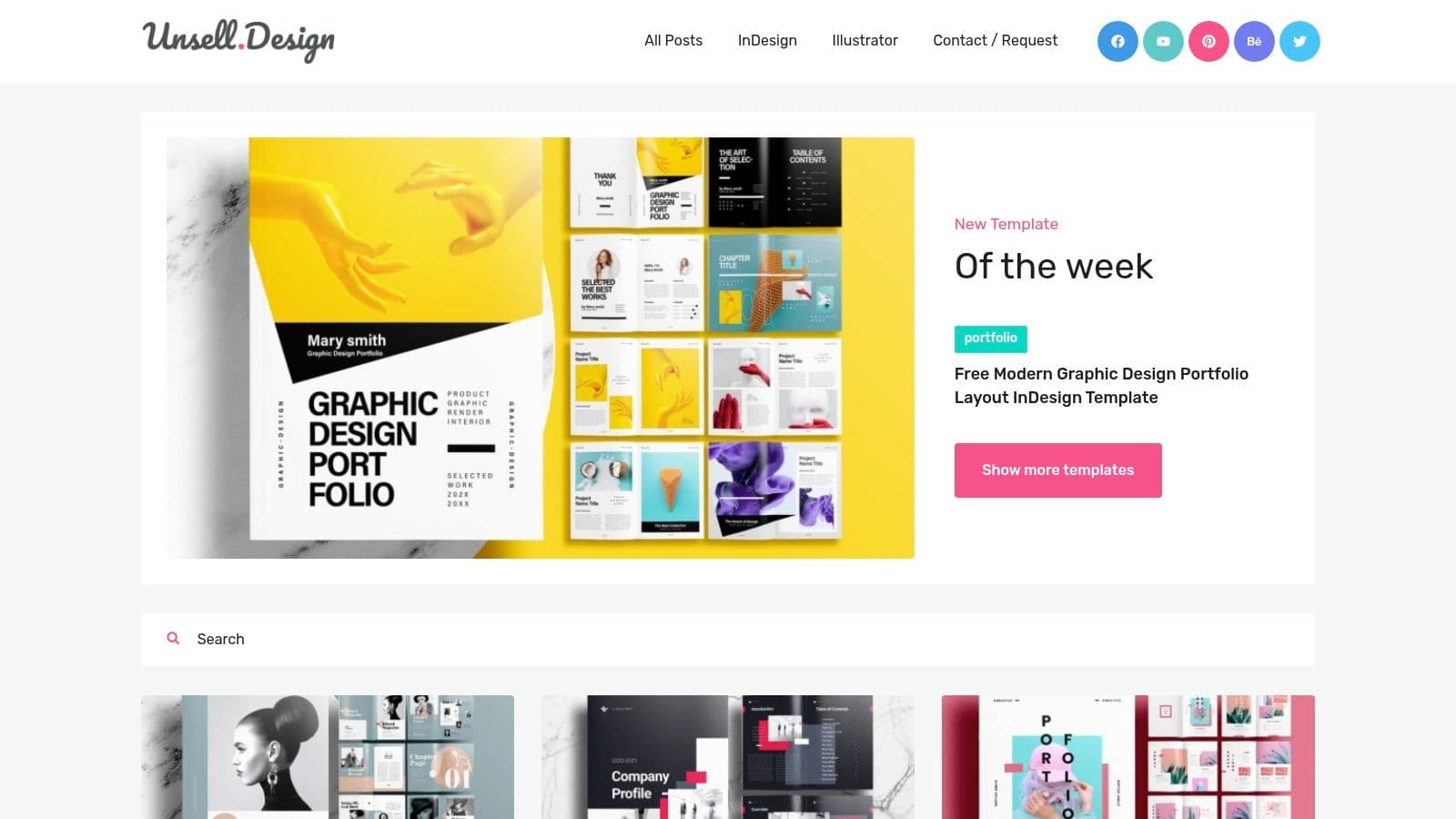
The templates often come in both A4 and US Letter sizes and are typically around 16 pages long, which is a great length for a concise portfolio. They are built with essential InDesign features like master pages and automatic page numbering, which teaches good file hygiene and makes global edits, like adding a logo or contact info to every page, incredibly efficient. This focus on fundamentals makes it a fantastic learning tool for those new to InDesign.
Key Features and Considerations
The platform is refreshingly simple. You can browse different styles and download the INDD/INDT files directly without creating an account. While the selection is smaller than premium marketplaces, the quality is consistent and tailored specifically for interior design projects. Remember that these are true templates; you will need to source your own images, as placeholder assets are not included in the download.
| Feature | Details |
|---|---|
| Best For | Students, recent graduates, or designers needing a free, high-quality InDesign starting point. |
| File Types | INDD, INDT |
| Pricing | Completely Free |
| Licensing | Varies by template; typically free for personal and commercial use. |
Pros:
-
Completely free to download and use.
-
Templates are built with professional InDesign features like master pages.
-
Ideal for learning InDesign portfolio layout and structure.
Cons:
-
Limited selection compared to paid platforms.
-
No support or extensive documentation provided.
-
Image and font assets are not included.
Website: https://www.unsell.design
12-Option Comparison: Interior Design Portfolio Templates
| Product | Core offering & formats | Best for / Target Audience | Unique selling point | Price & licensing |
|---|---|---|---|---|
| Envato Elements | Subscription library of portfolio templates (INDD/IDML, PSD, print‑ready) | Agencies/designers who need many consistent assets | Unlimited downloads + strong print specs | Monthly/annual subscription; commercial license included |
| Envato Market (GraphicRiver) | Pay‑per‑item templates (InDesign, Canva, PSD) | Buyers who want one‑off templates | Buy single vetted items with clear previews/specs | One‑time purchase per item; standard/extended licenses |
| Creative Market | Designer‑run marketplace (INDD, Canva, layered files) | Creators seeking unique, brandable templates | Boutique aesthetics from individual sellers | Per‑item pricing; commercial licenses; variable |
| Etsy (Digital Templates) | Wide catalog of Canva/INDD template packages | Students, freelancers, budget‑conscious studios | Very affordable, many small‑studio options & reviews | Low‑cost one‑off purchases (many <$20); seller‑dependent licensing |
| Adobe Stock Templates | Official INDD/INDT templates, Creative Cloud integration | InDesign users requiring production‑ready files | High compatibility with Adobe CC & reliable print specs | Per‑asset cost; subscription or credits may apply |
| Canva | Browser editor + large template library, website export | Non‑designers, small teams needing fast edits | Drag‑and‑drop, collaboration, brand kit | Free tier; Canva Pro subscription for premium assets |
| Wix | Website builder with interior templates, AI site builder | Designers/clients wanting publishable online portfolios fast | Rapid publish, rich galleries, bookings & SEO tools | Hosting subscription; templates included (switching limits) |
| Squarespace (third‑party) | Premium Squarespace templates with demo content & install | Premium brands wanting editorial, polished sites | High‑end curated designs + installation support | One‑time template cost + Squarespace hosting subscription |
| Webflow Templates | CMS‑ready, production code, motion & layout control | Teams needing bespoke, CMS‑driven portfolios | Precise layout control, animations, exportable code | Template fee + Webflow hosting plans |
| TemplateMonster | Print & web templates, product specs & support info | Buyers needing both print and web portfolio options | Multiple license tiers and clear file specs | Per‑item pricing or MonsterONE subscription |
| StockInDesign | InDesign‑first templates (INDD/IDML), free & paid | Frequent InDesign users seeking clean file org | InDesign‑focused library with unlimited plan option | Low‑cost items; annual unlimited downloads plan available |
| Unsell.Design | Free InDesign portfolio layouts (INDD/INDT) | Students and small studios starting portfolios | Free, print‑ready starter templates with master pages | Free downloads (limited support & assets) |
Final Thoughts
Navigating the world of interior design portfolio templates can feel as complex as space planning a challenging room. You've seen the sheer variety available, from the intricate, layer-rich InDesign files on Creative Market to the drag-and-drop simplicity of Canva and the sophisticated, dynamic web experiences offered by Squarespace and Webflow. The key takeaway isn't that one solution is definitively "the best," but that the perfect template is the one that best aligns with your unique skills, career goals, and the story you want your work to tell.
Your portfolio is more than a collection of projects; it's your professional handshake, your brand identity, and your most powerful marketing tool. Choosing the right foundation is a strategic decision that directly impacts how potential clients and employers perceive your taste, professionalism, and design philosophy.
Key Takeaways: From Template to Triumph
As you move forward, keep these core principles in mind. They are the essential guardrails that will guide you from selecting an interior design portfolio template to creating a compelling final product.
-
Format Follows Function: Your first and most critical decision is choosing the right format. Are you presenting in person or sending a digital file? A polished PDF template from Envato Elements is ideal for attachments and print, while a Wix or Squarespace website serves as your 24/7 digital showroom. Don't build a stunning website if your primary need is a downloadable leave-behind.
-
Customization is King: The best templates are not a finished product; they are a starting point. Look for templates that offer flexibility in color palettes, typography, and layout. Your ability to infuse your personal brand into a pre-designed structure is what will make your portfolio stand out. A template that locks you into a rigid design can stifle your unique creative voice.
-
Balance Aesthetics with Usability: A visually stunning portfolio that is difficult to navigate is ultimately a failure. Prioritize clarity and intuitive flow. Ensure project descriptions are easy to read, images load quickly, and contact information is prominent. The user experience for a potential client is just as important as the aesthetic appeal.
Your Actionable Next Steps
Feeling overwhelmed by the options? Let’s simplify the process. Before you spend a single dollar or download a free file, take a moment to define your specific needs.
-
Define Your Audience and Goal: Are you trying to attract high-end residential clients, land a job at a commercial firm, or simply showcase student work? Your target audience dictates the tone, style, and format of your portfolio.
-
Assess Your Technical Skills: Be honest about your software proficiency. If you are an Adobe Creative Suite expert, an InDesign template from Adobe Stock offers unparalleled control. If you prefer a more user-friendly interface with minimal learning curve, Canva or a Wix template is a much more practical choice.
-
Set a Realistic Budget: Your budget will immediately narrow the field. Options range from free (Canva, Google Slides) to affordable one-time purchases (Etsy, Creative Market) to subscription-based services that offer a wider ecosystem of tools (Envato Elements, Squarespace).
Ultimately, the right interior design portfolio template acts as a silent partner, providing the structure and polish that allows your design work to take center stage. It saves you time on layout and technical setup, freeing you to focus on what truly matters: curating your best projects and articulating your design vision. Use this guide as your resource, trust your design instincts, and build the portfolio that will open doors to your next great opportunity.
Ready to push the boundaries of your digital portfolio? To truly captivate clients, consider adding dynamic video walkthroughs of your designs. Proom AI transforms your 2D floor plans and design concepts into stunning, photorealistic 3D video tours in minutes, providing an immersive experience that static images can't match. Elevate your next interior design portfolio template with engaging video content by visiting Proom AI to see how it works.
Ready to create video ads?
Turn your photos into scroll-stopping ads in minutes. No video editing skills required.
Try For Free

